Screen tutorial
Record, cut, send — nothing is uploaded until you choose to send it.
Birdsuite Trim
Trim, mute and shrink videos — right in your browser, no upload and no watermark.
Alternative to Clideo, Kapwing, VEED
Free
Cut as many videos as you like, with no watermark
There is no paid plan: everything Birdsuite Trim does is free, with no trial that runs out.
Open Trim for freeBirdsuite Trim is a free video cutter that runs in the browser. You keep one or more sections of a video, remove the audio if you like and scale it down to 1080p, 720p or 480p. The result is re-encoded as MP4 or WebM on your device, with no upload and no watermark. You need no account.
The phone video is too long and too big to send, and the first seconds are shaky. Many online editors want you to upload the file first, put a watermark on free exports or ask for an account before you can download.
Trim opens the video right in your browser. Mark the sections you want to keep, pick the resolution and audio, and export a new file — it only leaves your device if you send it via Transfer yourself.
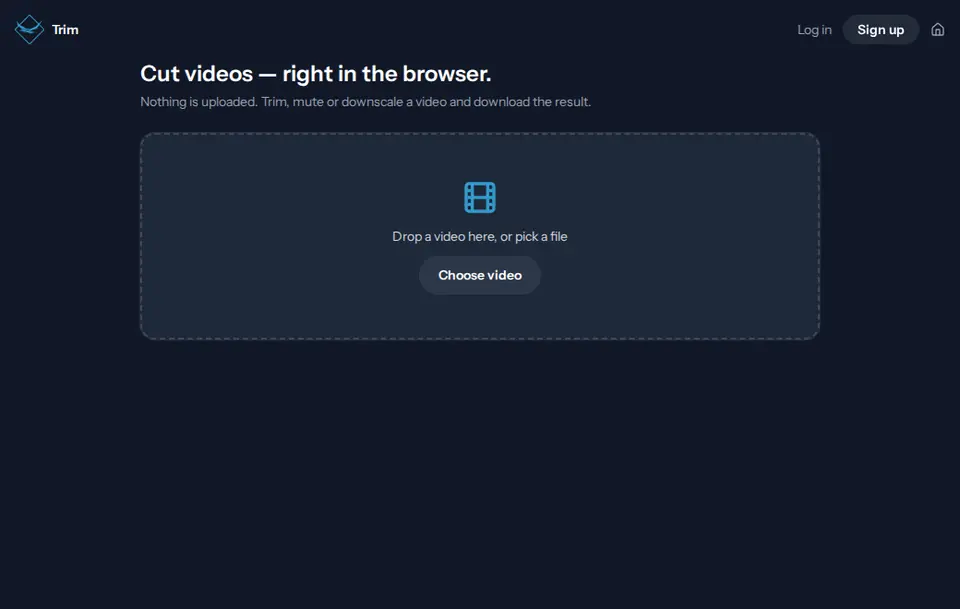
Drop a video into the window or pick a file. A recording from Clip comes over with one click.
Drag on the timeline to mark the parts you want to keep and adjust their edges. "Preview the cut" plays the result first.
Choose resolution and audio, check the estimated file size and export. Then download it or send it via Transfer.
Reading, cutting and re-encoding happen in your browser. The video never lands on a server.
Trim adds nothing to the picture. The exported video shows only what you kept.
Remove the audio track with one tick and scale down to 1080p, 720p or 480p if your video is larger.
Keep as many sections as you like. Everything in between is dropped on export.
Before you export, Trim shows the estimated file size and output resolution, so you know whether the video will fit.
Where the browser supports it, you get MP4 with H.264 and AAC, otherwise WebM. Large sources are capped at 2560 × 1440 pixels.
Open screen recordings from Clip straight in Trim, and hand the finished video to Birdsuite Transfer with one click.
Test it yourself: Test it yourself: open Trim, switch off Wi-Fi and mobile data, and cut a video. Preview, export and download keep working, because nothing goes to a server.
Free – no subscription
Cut as many videos as you like, with no watermark
Trim has no paid plan. There is no limit from our side; very large files only depend on your device.
| Criterion | Birdsuite Trim | Typical online video editors |
|---|---|---|
| Video is uploaded | No | Yes, to the vendor's server |
| Watermark on the free plan | No | Yes, at several vendors |
| Account needed | No | Sometimes, to export |
| File size limit | None on our side | Often 500 MB to 4 GB |
| Effects, text, transitions | No | Usually yes |
| Export time | Real time on your device | Depends on the server, plus the upload |
Last updated: 21 October 2026
Cut the phone video down to the best seconds and make it small enough for the chat.
Cut slips and waiting time out of your clip before you send it.
Edit customer, patient or company videos without trusting them to someone else's server.
Record, cut, send — nothing is uploaded until you choose to send it.
Send large files without an account — free up to 5 GB, up to 1 TB per transfer with Max. Stored in Germany, with download notifications.
Record your screen and camera in the browser — no upload, no account, no time limit on our side. Save the file or share it via Transfer.
Compress, resize and convert images in batches to JPEG, WebP or PNG — in your browser, no upload; location data is removed on conversion.
Ready? Birdsuite Trim runs right in your browser.
Last updated: 21 October 2026